
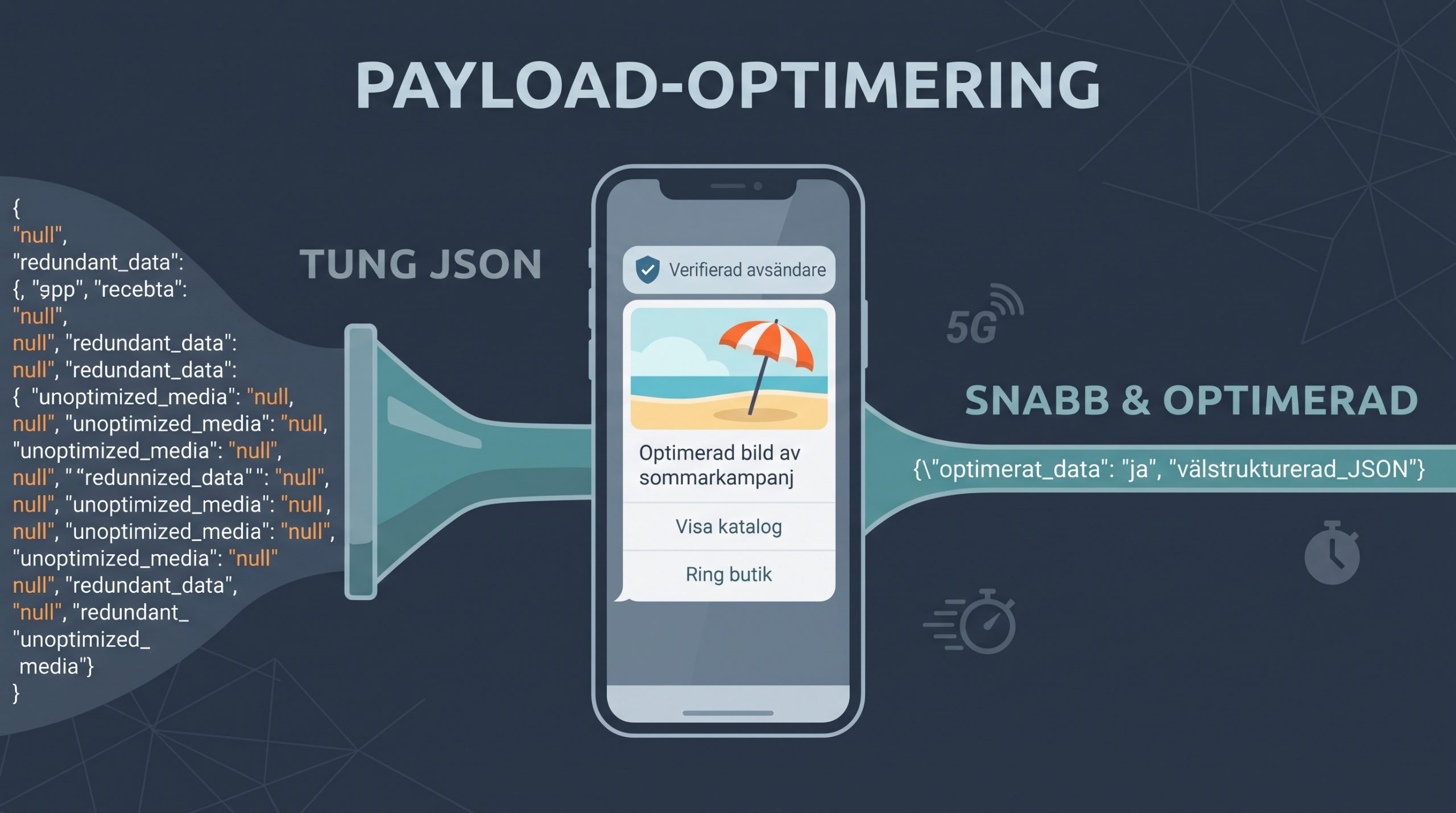
RCS (Rich Communication Services) transforms traditional text communication into an interactive, app-like experience in the user's default messaging app. Greater flexibility and richer components—including carousels, high-resolution media, and dynamic action buttons—also place greater demands on how you structure requests.
A poorly structured or unnecessarily large JSON payload can quickly cause delivery delays, layout shifts, and, in the worst case, timeouts. In large-scale RCS API integrations, every byte and millisecond matters. This guide explains how to optimize API requests to minimize latency, conserve bandwidth, and deliver a seamless visual experience.
Structure payloads for rendering without layout shifts
One of the most important user-experience considerations is avoiding cumulative layout shift (CLS) when a message opens. If the card format is not declared, the RCS client must estimate its height before the image finishes loading from mediaUrl.
To prevent the interface from jumping, the API lets you define the card's dimensions and orientation in advance. Always include the height and orientation parameters in the card object.
Optimized payload (Rich Card example):
{
  "brand": "My-Store-Inc",
  "agent": "Customer-Service",
  "recipients": {
    "46700123456": {}
  },
  "type": "Card",
  "card": {
    "title": "New products for spring",
    "content": "Explore our new range featuring sustainable materials and modern design.",
    "mediaUrl": "https://cdn.foretag.se/media/kampanj-2026-hq.webp",
    "height": "Medium",
    "orientation": "Vertical"
  },
  "suggestions": [
    {
      "text": "View catalog",
      "type": "OpenUrlAction",
      "order": 0,
      "url": "https://foretag.se/shop",
      "postbackData": "c=v26"
    }
  ]
}
Setting height to Medium tells the client to reserve space for a 16:9 image immediately.
Pro tip: Make sure the source image on your CDN is cropped to exactly the aspect ratio you specify, such as 16:9 for Medium. If you send a square 1:1 image to space reserved for Medium, the RCS client must either crop it or add side borders (pillarboxing), which looks unprofessional.
Media strategy: Lightweight references and fast CDNs
The API handles media exclusively through URL references in the mediaUrl field. This significantly reduces payload size compared with older technologies such as MMS, where binary data was Base64-encoded, but it places requirements on how you deliver files.
- Use global CDN links: The recipient's device, not the API gateway, retrieves the media file. Make sure
mediaUrlpoints to a low-latency CDN. - Compression and file formats: WebP is widely supported and provides up to 30% better compression than JPEG. Keep images below 300 KB so that they load quickly even on weak mobile connections. For video, use H.264 (AVC) in an MP4 container.
- HTTP headers: Your media server must return the correct
Content-TypeandContent-Lengthheaders, or downloads may fail silently on some carrier networks.
Compact webhooks: Optimize postbackData
When you add buttons (Suggestions) to the array, you must include the postbackData field. Its value is returned to your system in a webhook when the customer clicks the button.
For high-volume campaigns with strong engagement, return traffic can become substantial if postbackData contains long state strings or complete JSON objects.
❌ Avoid:
"postbackData": "{\"user_id\": 98124, \"action\": \"view_catalog\", \"campaign\": \"spring_2026\"}"✅ Prefer:
"postbackData": "u=98124&a=cat&c=s26"Short URL-encoded parameters or unique reference IDs save space in both outgoing requests and incoming callbacks.
Lean payloads: Remove unnecessary metadata
At high message volumes, every byte in the JSON structure affects system performance. A common cause of large payloads is sending every available parameter while setting unused ones to null or empty arrays.
Eliminate empty fields
The API provides built-in defaults. If you do not need a feature, omit the field entirely instead of sending empty data.
❌ Inefficient payload:
{
  "brand": "My-Store-Inc",
  "agent": "Customer-Service",
  "recipients": {
    "46700123456": {}
  }
  "reference": null,
  "tags": [],
  "deliveryReportUrl": "",
  "fallbackPolicy": "NoFallback",
  "type": "Text",
  "content": "Your code is 849201"
}
✅ Optimized payload:
{
  "brand": "My-Store-Inc",
  "agent": "Customer-Service",
  "recipients": {
    "46700123456": {}
  },
  "type": "Text",
  "content": "Your code is 849201"
}
Strictly omitting unused values—such as tags, empty fallback rules, or references for 2FA codes—significantly reduces serialization time.
Configure a smart, efficient SMS fallback
To ensure delivery to devices without RCS support, the API handles fallback seamlessly. You can optimize the fallback-data structure so it does not add unnecessary weight to standard requests.
When defining fallbackPolicy, for example FallbackOnNoCapability,FallbackOnFailure,FallbackAfterTimeout, follow these guidelines:
- Keep the fallback string short: Include only the necessary text in
fallbackMessage. For a rich campaign card, the fallback text can be a short campaign link instead of a lengthy description. - Omit it for plain text messages: If
typeisTextand the message has no buttons or images, the fallback text can usually be generated fromcontent. There is no need to send the same value again infallbackMessage.
Pre-deployment checklist
Before launching large campaigns or message sends, verify the following in your requests:
- The payload follows the API's exact structure, including
type,card/carousel, andsuggestions. - All
mediaUrllinks use HTTPS and are served by an optimized CDN. - Rich Cards declare
height, such asMedium, to prevent layout shifts while loading. - The JSON structure contains no
nullvalues or unused parameters. - Long tracking strings are compressed in
postbackData. - Images use WebP format and are smaller than 300 KB each.
Structuring requests according to RCS API best practices removes unnecessary overhead. The result is faster messaging, reliable delivery, and a polished visual experience for your users.